
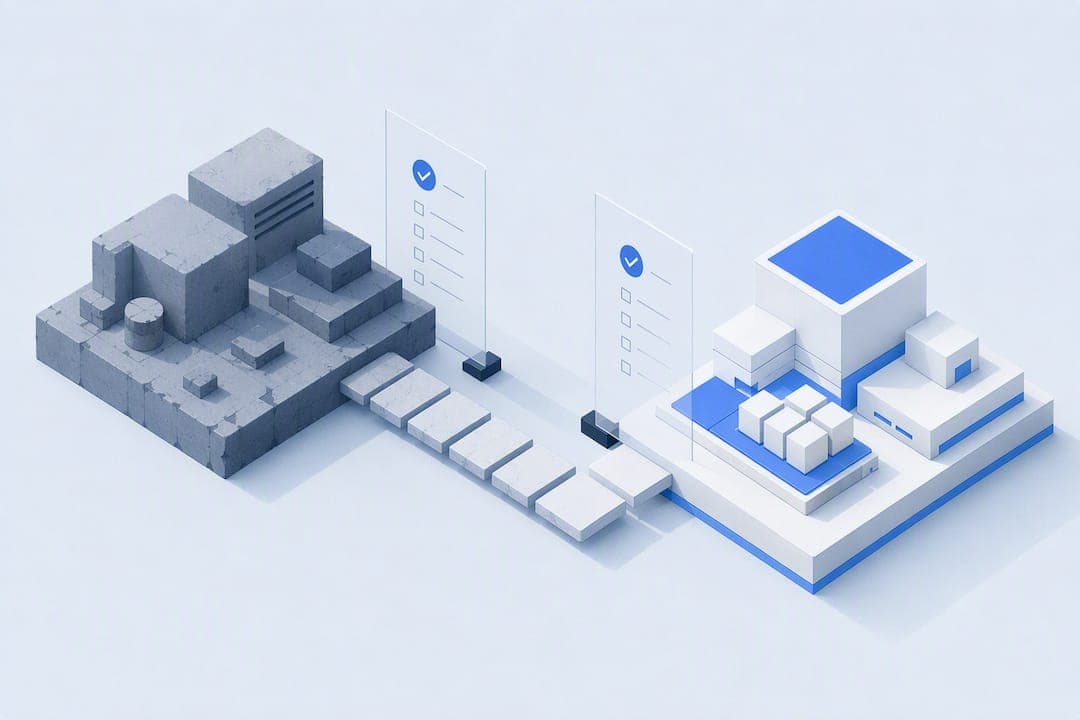
Legacy system modernization means restructuring, replacing, or re-platforming outdated software so it meets current security, performance, and integration demands, without breaking the business it runs. The recommended path is phased: start with discovery and dependency mapping, choose a low-risk pilot, and use AI to analyse and document existing logic rather than to auto-rewrite it. Commission an inventory and dependency map first. Everything else follows from what that map reveals.
TL;DR:
- Focus on dependency mapping and system inventory before selecting systems for modernization to identify hidden risks and unnecessary scope.
- Prioritize systems based on business impact, regulatory requirements, and current health, and stage approvals accordingly to avoid stalled programs.
- Implement phased migration with validation techniques such as shadow traffic, differential testing, and parallel runs to minimize operational disruption.
- Use AI for reverse engineering, analyzing business logic, and generating tests, but always verify outputs manually to prevent errors and dependency oversights.
- Conduct a comprehensive 30 to 90 day plan including assessments, scoring, stakeholder involvement, and a clear pilot success definition to ensure controlled modernization progress.
Table of Contents
- Why legacy system modernization matters now: drivers, costs and measurable benefits
- Modernisation strategies: the 7 Rs and how to pick one per system
- How do you choose the right modernisation path for each system?
- What does a phased modernisation roadmap actually look like?
- What are the biggest risks in legacy modernisation and how do you mitigate them?
- How does AI make legacy modernisation safer and faster?
- Your 30 to 90 day legacy modernisation checklist
- What we've learned building modernisation programmes for clients
- How Rockmountai helps you modernise without the risk
- Sources
Why legacy system modernization matters now: drivers, costs and measurable benefits
Old systems don't fail loudly. They fail slowly, through rising maintenance bills, engineers who can't be replaced, and integrations that break every time a vendor updates an API. Oversight bodies now treat this as a formal risk category: GAO reporting on legacy systems flags inventory gaps and unmanaged dependency risk as material threats to large organisations and public services, not just an engineering inconvenience.
Three pressures tend to force the decision:
- Talent risk. Fewer engineers know COBOL, older Java frameworks, or bespoke mainframe logic every year, and the ones who do are retiring.
- Security and compliance exposure. Unpatched platforms and undocumented data flows create audit failures and breach risk that boards can no longer ignore.
- Technical debt drag. Every new feature costs more to build on an ageing stack, and that cost compounds.
The upside is concrete when modernisation is done well: faster release cycles, lower run costs, and, critically, data that's actually usable for analytics and AI rather than locked in formats only the original system understands. Resilience improves too. Systems built with clear seams and modern deployment pipelines recover from failure faster than monoliths with undocumented dependencies.
Pro Tip: Track three numbers before you start: cost to operate per system, incident rate over the last 12 months, and deployment lead time. Without a baseline, you can't prove the modernisation worked.
Skip the metrics and you'll be arguing about whether the programme succeeded using anecdotes instead of numbers, which is a fight you can't win with a board.
Modernisation strategies: the 7 Rs and how to pick one per system
There's no single correct technique. IBM's overview of application modernization frames it correctly as a spectrum of strategies, each with different cost, speed, and long-term value trade-offs. The established framework, often called the 7 Rs, covers:
- Rehost — move the workload to new infrastructure (often cloud) with minimal code change. Fast and low risk, but it carries the old architecture's limitations with it.
- Replatform — make targeted changes to run better on new infrastructure (swap a database engine, containerise). Moderate effort, moderate gain.
- Refactor — restructure code internally without changing external behaviour. Good when the logic is sound but the implementation is unmaintainable.
- Rearchitect — redesign how components interact, often to enable scalability or new integration patterns. Higher cost, but necessary when the architecture itself is the constraint.
- Rebuild/replace — start again, either custom-built or with a new platform. Justified when the system can't support the business's future direction at all.
- Retire — decommission the system because it's no longer needed. Frequently the most valuable and least discussed option.
- Retain — leave it alone, deliberately, because the risk or cost of change outweighs the benefit right now.
Trigger conditions matter more than preference. A system with stable logic but brittle infrastructure suits rehosting or replatforming. A system whose business rules are sound but whose codebase is unreadable suits refactoring. A system that duplicates functionality elsewhere is a retirement candidate, and thorough discovery routinely uncovers more of these than teams expect, reducing overall programme scope before a single line of new code gets written.
Most portfolios need a mix. Treating every legacy application as a rebuild candidate wastes budget on systems that only needed a replatform.
How do you choose the right modernisation path for each system?
A scoring model turns 40 legacy systems from a vague anxiety into a ranked, defensible list. Score every candidate system across five dimensions:
- Business criticality — how much revenue or operational continuity depends on it.
- Technical health — code quality, documentation, test coverage, and how many people still understand it.
- Integration complexity — how many other systems depend on it, and how brittle those connections are.
- Regulatory exposure — whether the system touches data or processes subject to audit, licensing, or compliance obligations.
- Cost to remediate — realistic effort and budget to modernise versus leave alone.
The process itself is straightforward: build the inventory, score each system against those five dimensions, rank by combined business impact and risk, then map the highest-priority systems to one of the 7 Rs based on their specific constraints.
Pro Tip: Weight business criticality and regulatory exposure higher than technical health in your first pass. A messy but low-stakes system can wait; a clean but non-compliant one cannot.
Governance matters as much as the scoring maths. Get sign-off from finance, security, and the actual business owners of each system before committing to an approach, not after a pilot has already started. Gartner's guidance on modernisation strategy recommends staging approvals so that bold reengineering only proceeds where there's real appetite and budget for it, while lower-ambition systems get incremental treatment. Mismatched ambition and resourcing is where most programmes stall.
What does a phased modernisation roadmap actually look like?
Modernisation programmes that survive contact with reality tend to follow the same shape, even when the underlying systems are completely different.
- Discovery and dependency mapping. Catalogue every system, integration, and undocumented dependency. Budget more time here than feels comfortable. This phase is where hidden risk surfaces.
- Pilot. Pick one contained, moderately important system and modernise it end to end. Success looks like a working system in production, not a demo.
- Vertical slices (strangler fig pattern). Migrate functionality piece by piece, routing traffic to the new component while the old system keeps running everything else.
- Parallel run. Operate old and new systems simultaneously, comparing outputs to confirm parity before committing.
- Cutover. Switch traffic fully to the new system once parity is proven and stable.
- Hypercare. A defined period of heightened monitoring and rapid response immediately after cutover, before the team stands down to normal operations.
Validation is what makes each phase trustworthy rather than a leap of faith. Characterisation tests record what the existing system actually does, quirks included, before anyone touches the code. Shadow traffic sends live requests to the new system without acting on its output, so you can compare results safely. Differential testing flags discrepancies automatically rather than relying on manual review. Practitioner accounts of successful upgrades consistently point to phased migration with parallel runs as the pattern that avoids disruption, over big-bang cutovers that skip validation to save time.
What are the biggest risks in legacy modernisation and how do you mitigate them?
Four failure modes account for most troubled programmes, and each has a known countermeasure.
- Data loss and corruption. Migrate with reconciliation scripts that compare record counts, checksums, and sample transactions between old and new systems before and after each batch move.
- Hidden dependencies. The riskiest connections are the ones nobody documented. Interview the people who actually operate the system, not just the architecture diagrams, and map every integration you find.
- Budget and schedule overruns. Gate funding release to pilot success rather than approving the whole programme upfront, and budget realistically for an extended parallel-run period. Programmes that underbudget dual operation are consistently the ones that blow their timelines.
- Compliance gaps. Bring security and compliance reviewers into the discovery phase, not the pre-launch checklist. Retrofitting compliance after architecture decisions are locked in is far more expensive than designing for it upfront.
Pro Tip: Build your reconciliation and rollback plan before you touch production data, not after something has gone wrong. A rollback plan you never use costs a lot less than one you needed and didn't have.
None of this is exotic. It's discipline applied consistently, which is precisely what gets skipped when a programme is running behind schedule and someone suggests cutting the parallel run short.
How does AI make legacy modernisation safer and faster?
AI's real value in modernisation isn't rewriting code. It's reading it. Treated as an analysis tool, AI can scan an undocumented codebase and extract the business rules buried inside it, the logic nobody wrote down because the person who built it left a decade ago. Used as a blind translator that converts old code into new code line by line, it just migrates the technical debt faster, which is a documented risk in AI-assisted migrations worth taking seriously.
Our approach, and the one we'd recommend to any team starting this work, follows a consistent sequence:
- Use AI to reverse-engineer business logic and flag undocumented dependencies before any code changes.
- Generate characterisation tests from AI's analysis of current behaviour, then have engineers verify them against real outputs.
- Identify safe seams in the codebase where a vertical slice can be extracted and migrated independently, following the strangler fig pattern.
- Run shadow traffic and differential testing during rollout to catch discrepancies before they reach customers.
CIO-level case reporting backs this sequencing: MIT Technology Review's coverage of AI-assisted modernisation found that combining AI-driven reverse engineering with strong governance and testing shortened timelines and improved release quality, rather than just producing code faster.
Pro Tip: Ask any AI-assisted vendor exactly what "AI-assisted" means for their process. If they can't describe how they validate AI output against real system behaviour, they're translating, not analysing.
Governance and handover matter as much as the tooling. A migration that leaves the client dependent on the provider for every future change hasn't actually modernised anything, it's just moved the lock-in somewhere newer.
Your 30 to 90 day legacy modernisation checklist
- Commission a full system inventory and dependency map, including undocumented integrations discovered through interviews, not just architecture diagrams.
- Score candidate systems against business criticality, technical health, and regulatory exposure to rank priorities.
- Select one contained pilot system and agree success criteria (performance, cost, or reliability targets) before starting.
- Bring security, compliance, and the actual business owners of the pilot system into planning from week one.
- If bespoke development or an independent audit is needed, procure a partner who commits to a fixed-scope handover rather than an open-ended retainer.
What we've learned building modernisation programmes for clients
Their working model is audit, bespoke build, AI-assisted analysis, then handover. That order matters. We look at what a system actually does before proposing what should replace it, using AI to speed up the analysis, not to skip it. Clients get a working system and the documentation to run it themselves, without ongoing dependence on the provider afterwards. If you want a second opinion on a legacy system before committing budget to a rebuild, start with a scoping conversation.
— rocky
How Rockmountai helps you modernise without the risk
There are alternatives to big-agency rebuilds for legacy system modernization: bespoke audits and migration plans built around the actual codebase, with ownership of the finished system and no ongoing retainer required.
A recommended approach is to start engagements with a process automation audit that maps dependencies and flags systems worth retiring before designing anything new. Following that, bespoke software, SaaS applications, or AI-assisted migration tools can be built tailored to the findings from discovery, using AI to accelerate analysis and testing while engineers verify decisions. Client involvement from consultation through to handover ensures the finished system can be managed without ongoing provider standby.
If your legacy estate needs an honest assessment before you commit budget, get in touch with Rockmountai to scope an audit and discuss what a phased modernisation plan would look like for your systems.